Bluetooth won't connect? In eighty percent of cases, it's one of the same four causes — and each one has a specific fix that works every time.
01 / 04Connection conflict your headphones are already taken
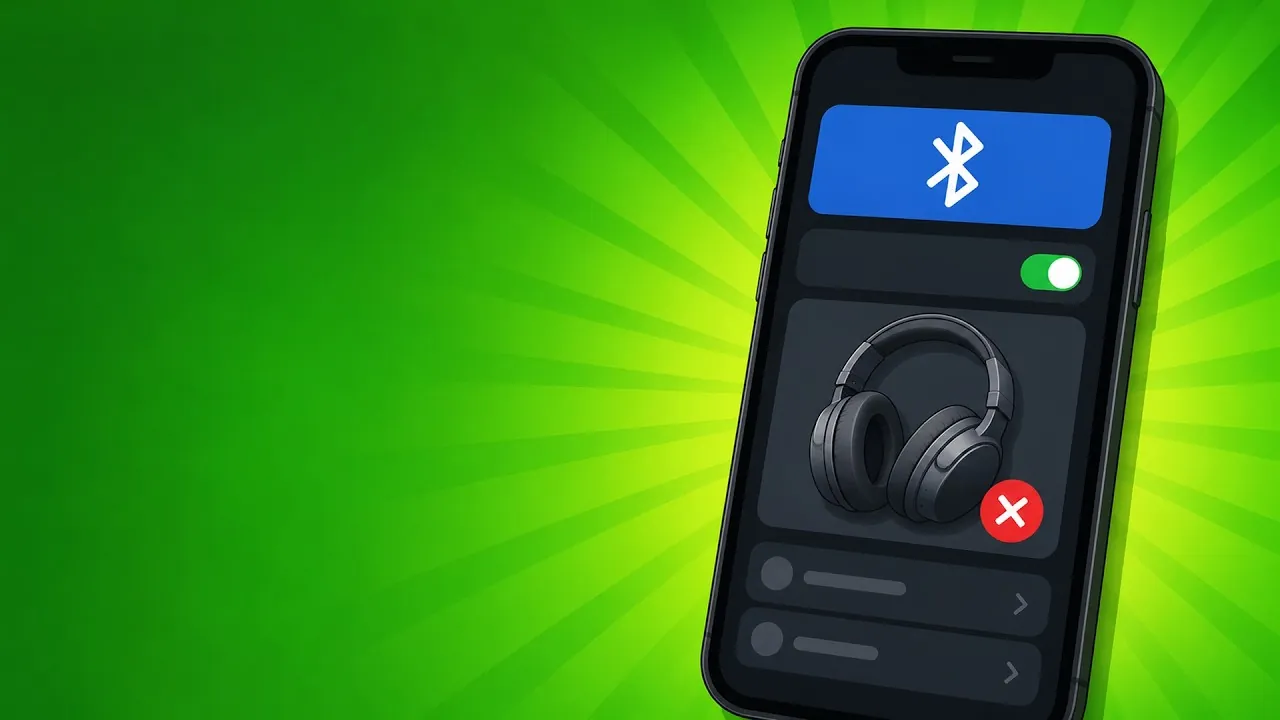
Cause number one: your headphones are already connected to another device.
Cut the competing device
Most headphones store multiple devices but only maintain one active connection at a time. If your headphones are still linked to your laptop or tablet, your phone tries to connect and the other device won't let go. The fix is simple: turn off Bluetooth on the competing device, or manually disconnect the headphones from that device before reconnecting on your phone.
Read the LED indicator
If you're not sure which device is connected, check the LED on your headphones: a slow steady blue blink means it's connected to a device, a quick double flash means it's in free pairing mode. Some Bluetooth 5.0 multipoint models can hold two simultaneous connections — check your manual if your headphones support that, it removes the need to keep switching devices.
02 / 04Forget and re-pair clear the corrupted profile
Cause number two: the pairing profile is corrupted.
Forget the device
When a Bluetooth connection keeps failing for no apparent reason, the pairing profile stored on your phone is often corrupted. The procedure: go to Settings then Bluetooth, tap the 'i' next to your headphones on iPhone and choose 'Forget This Device'. On Android, long-press the headphone name and select 'Unpair' or 'Delete'. That permanently removes the faulty profile.
Re-pair cleanly
Then put your headphones into pairing mode: turn them off completely, then hold the power button for five seconds until the LED flashes rapidly blue or you hear the pairing tone. They'll reappear in your phone's available devices list. Tap to connect and let the pairing complete. If nothing shows up after fifteen seconds, toggle your phone's Bluetooth off and back on — that clears the scan cache and forces fresh device discovery.
03 / 04Range and battery distance and power
Cause number three: distance or battery level.
Range: max 10 m clear space
Bluetooth works reliably up to ten metres in open space. Beyond that distance, or behind a reinforced concrete wall, the useful range drops in half. Metal surfaces, mirrors and even the human body absorb the signal. If the connection drops as soon as you move away or go into another room, range is often the cause. Move closer to the source or reposition your phone to get a clear line of sight to the headphones.
Battery < 20% → weak signal
Wireless headphones with less than twenty percent battery lose radio transmission power. The connection becomes unstable, stutters or cuts out without warning. Most headphones signal this level with a beep or voice announcement, but some budget models don't. Rule of thumb: whenever a connection starts acting up, charge the headphones first before chasing other causes — it's the fastest diagnosis.
04 / 04Interference and firmware the 2.4 GHz band and updates
Cause number four: radio interference and outdated firmware.
2.4 GHz interference
Bluetooth and Wi-Fi share the same 2.4 gigahertz frequency band. In a kitchen with an active microwave, or an apartment building packed with neighboring Wi-Fi networks, packet collisions cause dropouts. If your connection only drops in certain locations or at certain times, interference is likely the cause. Solutions: stay within one metre of the Bluetooth source, step away from the microwave while it runs, or switch your phone's Wi-Fi to the 5 gigahertz band if your router supports it — that frees up 2.4 GHz for Bluetooth.
Firmware update
If none of the three previous causes explains the problem, check whether a firmware update is available for your headphones. Manufacturers regularly release patches for reconnection bugs. The companion app for your headphones handles the update automatically when you open it with the headphones powered on. On Android, a simple phone restart also clears the system's Bluetooth cache and often fixes remaining issues that nothing else resolved.
This advice is general information and does not replace a professional's opinion. When in doubt (health, electricity, chemicals), ask a specialist.
Sources
Want more tips like this one?
Subscribe to the channel