70% of phones dropped in water can still be saved — as long as you make these five moves in under sixty seconds and avoid three mistakes that permanently destroy the circuits.
01 / 04What actually happens inside corrosion works silently
Before the moves, understand why water causes so much damage — even hours later.
Not the water — the corrosion
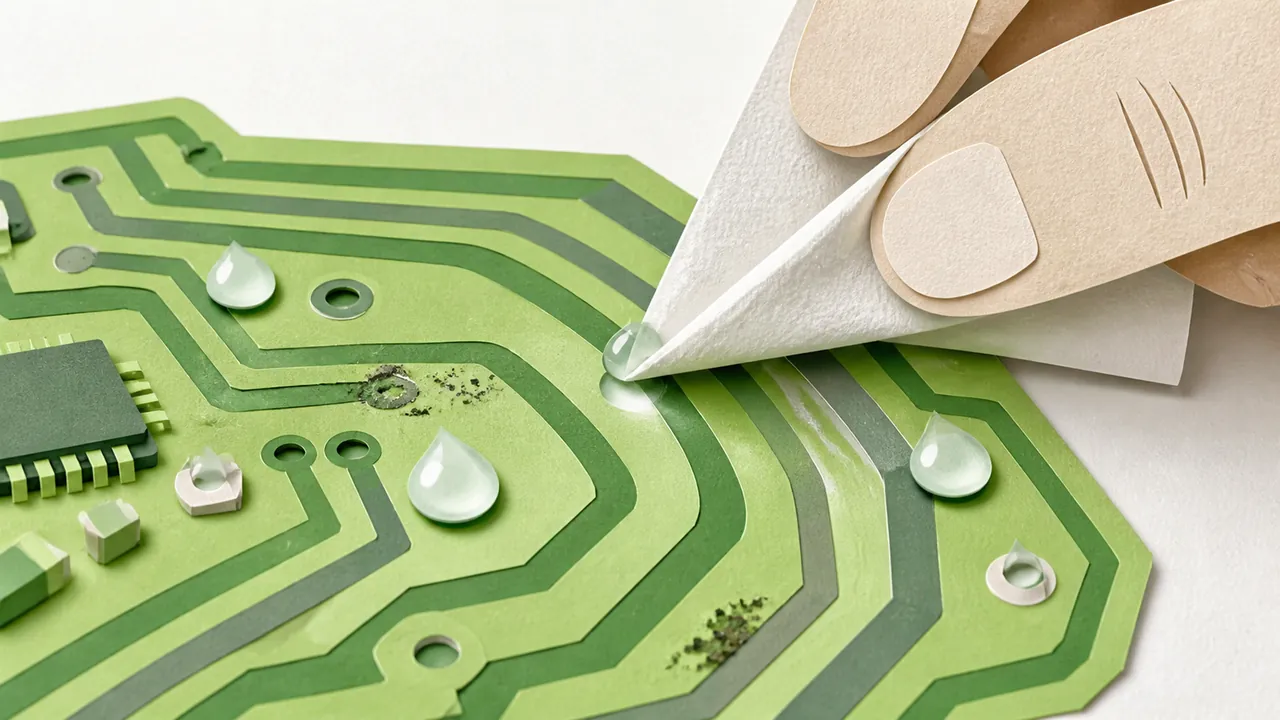
Water itself doesn't destroy the components on contact. What kills the phone is the corrosion that starts as soon as dissolved minerals form conductive bridges between circuit traces. This process can take hours — sometimes days. That's why a phone can seem perfectly fine, then suddenly die two days later.
The 60-second window
The first minute is decisive. As long as the components are powered and wet at the same time, the current accelerates corrosion exponentially. Powering down the phone cuts the supply and stops this process. Every second you leave the screen on after the drop reduces your recovery odds.
02 / 04The 5 immediate moves within the first minute
Five moves, in this exact order, within the first minute.
Power off — don't unlock
Press and hold the power button, then power it off completely. Don't unlock the screen first. Every electrical interaction — a swipe, a notification, a vibration — sends current through wet components and worsens corrosion. The goal is to cut the power as fast as possible.
Remove case + SIM + SD card
Remove the protective case immediately — water pools inside it and slows drying. Eject the SIM tray and pull the SD card if your model has one. These gaps trap moisture for hours — sometimes days — even when the outside feels dry.
Pat dry — don't rub
Gently pat the outside with a soft cloth or microfiber towel. Focus on the USB port, headphone jack and side buttons. Don't rub — rubbing pushes water inward through capillary action. The goal here is removing surface water, not driving it deeper.
Ports facing down, 1 hour
Stand the phone vertically with the USB port and audio jack facing down, leaning against a stable support. Leave it in this position for at least one hour. Gravity does the work: water naturally drains toward the open ports and flows out instead of sitting on components.
Silica gel bag, 48-72 h
Place the phone in a zip bag with silica gel packets — the small orange sachets you find in shoe boxes or electronics packaging. Silica gel pulls out residual moisture far better than open air. If you don't have any, dry rice in a well-ventilated spot is an acceptable but less effective alternative. Wait 48 to 72 hours before trying to power on.
03 / 04The 3 fatal mistakes the ones that finish it off
Three very common mistakes that turn a recoverable phone into electronic waste.
Powering on to check = short circuit
The natural instinct after dropping a phone in water is to turn it on to see if it still works. This is the most common and most destructive mistake. Still-damp components short-circuit the moment current flows — destroying chips in milliseconds that water hadn't even reached yet. Don't touch the power button for at least 48 hours.
Hair dryer = melted components
Blowing hot air seems like the logical way to speed up drying. But a hair dryer easily reaches 140 to 175 degrees Fahrenheit. At those temperatures, connector adhesive melts, capacitors expand and internal seals separate. You're turning water damage into heat damage. If you want to use air, a room-temperature compressed air can is acceptable — with care.
Damp rice = worse than open air
Rice has a reputation as a miracle fix, but it's actually less effective than simply leaving the phone to air dry in a ventilated room. The problem: rice absorbs ambient moisture from the air, not the moisture trapped inside the phone. Worse, it releases starch and fine particles that can clog ports. Silica gel is twenty to thirty times more effective.
04 / 04Saltwater + when to give up the two special cases
Two situations that change the procedure or signal it's over.
Saltwater → rinse with distilled water
If the phone fell in seawater or a pool, the minerals and salt dramatically accelerate corrosion. In that case — and only that case — you need to rinse the inside with distilled water. Not tap water, which contains its own minerals. Remove the battery if your model allows it, rinse with a small amount of distilled water over visible components, then dry immediately using the standard procedure. The goal is to dilute and flush the salt before it corrodes the circuits.
72h black screen → repair shop
If after 72 hours in silica gel the phone won't power on, or powers on with a scratched screen, dead zones or erratic behavior, the internal damage is likely irreversible. At that point, a professional repair shop can ultrasonic-clean the circuits and replace dead components. That's between forty and one hundred and twenty euros depending on the model — often less than a replacement. Get a quote before ordering a new phone.
This advice is general information and does not replace a professional's opinion. When in doubt (health, electricity, chemicals), ask a specialist.
Sources
Want more tips like this one?
Subscribe to the channel